AI writes code. Voice-to-text is in every phone. So is typing speed still worth improving? Yes. The bottleneck between your brain and the screen hasn't disappeared — it's just changed shape.
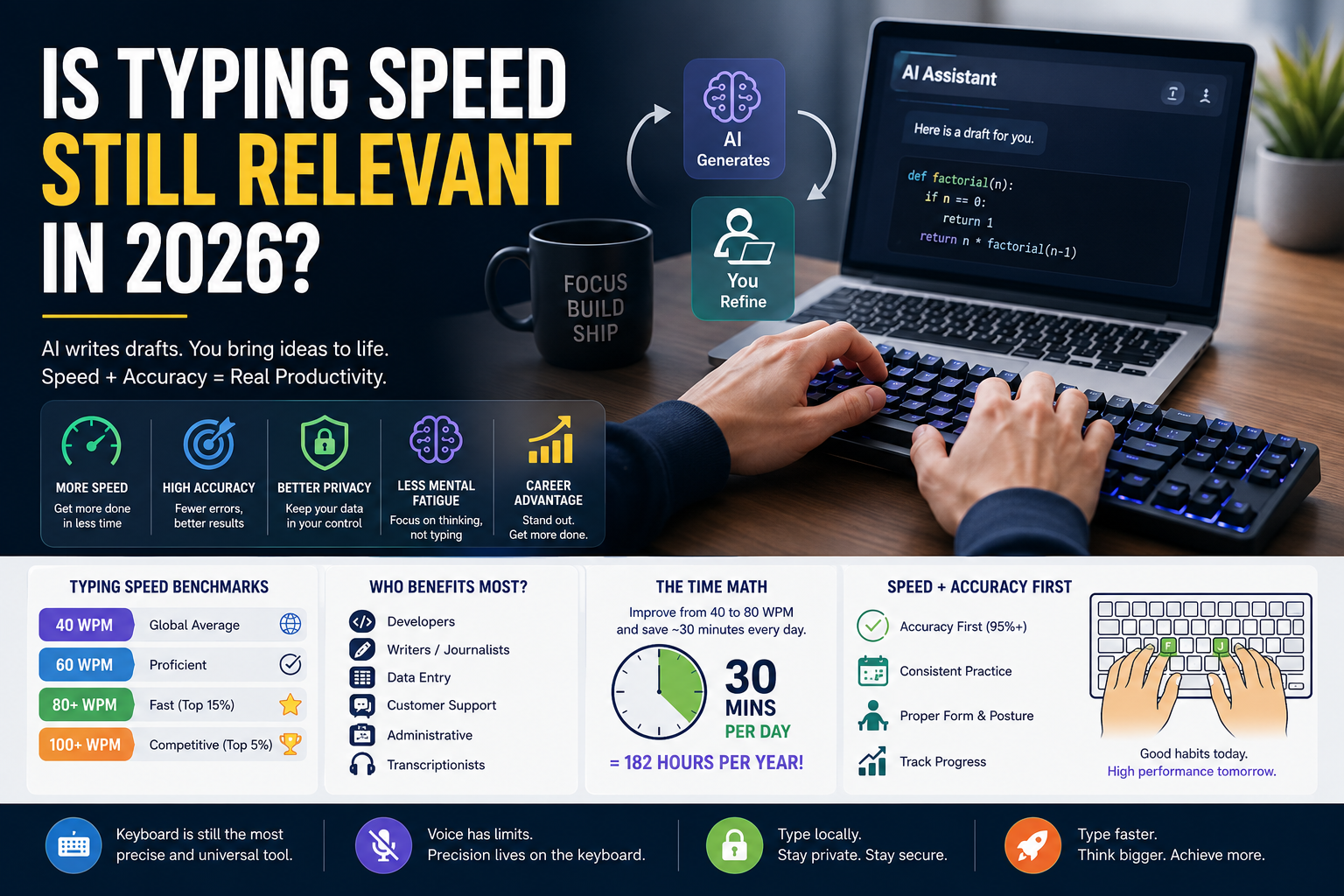
TL;DR: AI generates drafts. You still edit, code, and think at the keyboard. Typing speed remains the interface between your ideas and the machine. Voice and AI augment it. They don't replace it.
AI Doesn't Remove the Keyboard
AI tools generate first drafts. They don't edit, refine, fact-check, or format. All of that still happens at the keyboard. Prompt engineering — iterating on AI outputs — requires fast, precise keyboard typing. The quicker you can test prompts, evaluate results, and refine, the more productive you are.
Coding makes this even clearer. AI can write a function. It can't debug your logic while you hunt for the semicolon. Research published in the NIH's peer-reviewed study on typing expertise found that fast typists (80+ WPM) experience less cognitive interference during writing tasks. Their fingers don't compete with their thoughts. Slow typists do both at once, and both suffer.
If you want to increase typing speed to keep pace with AI-augmented workflows, the method hasn't changed. Accuracy first, speed second. Clean fast finger typing with proper form beats rushed speed every time. Our guide on how to improve accuracy and speed covers the mechanics of building speed that lasts.
Voice-to-Text Has Hard Limits
Voice-to-text works for quick messages. It fails for precision work. Try writing a Python function by voice — the brackets, indentation, and semicolons break it within three lines. Editing that function by voice is even worse. Voice is单向: it dumps text onto the page. Refinement still happens at the keyboard.
Privacy is another factor. Voice-to-text routes through third-party servers. Local keyboard typing keeps sensitive data — client information, company code, personal notes — under your direct control.
The Time Math
Improving from 40 to 80 WPM saves roughly 30 minutes per day for heavy typists. That's 182 hours per year 16. At 40 WPM, a 500-word email takes 12.5 minutes. At 80 WPM, it takes 6.25 minutes. The difference compounds across every message, document, and code comment you write.
The average typing speed worldwide is about 40 WPM, with a median of 41.6 WPM across 10.4 million audited tests 16. Most adults sit in the 40–60 WPM range. Your average words per minute typing over multiple tests is what matters — not a single lucky peak. Here's how that breaks down by context:
| Speed | Tier | Context |
|---|---|---|
| 40 WPM | Global average | Fine for casual use; below most professional thresholds |
| 60 WPM | Proficient | Minimum for most office and admin roles [^17^] |
| 80+ WPM | Fast | Top 15% of typists; meets professional standards [^16^] |
| 100+ WPM | Competitive | Top 5%; transcription and high-volume roles |
Wonderlic's breakdown by profession shows administrative roles typically want 50–70 WPM, data entry targets 60–80 WPM, and transcription requires 80–100+ WPM.
By Profession: Who Benefits Most
| Profession | Typical WPM | Why It Matters |
|---|---|---|
| Software developers | 60–70 WPM | Less typing time = more thinking time [^18^] |
| Data entry | 60–80 WPM | Pure volume work; WPM = hourly output [^20^] |
| Writers / journalists | 65–90 WPM | Draft speed directly impacts output volume |
| Customer support | 50–70 WPM | Response speed affects customer satisfaction [^20^] |
| Administrative | 55–75 WPM | Email, scheduling, documentation volume |
| Transcriptionists | 80–100+ WPM | Continuous typing while listening |
Developers are a special case. Coding is think-then-type, not a stream. Most software engineers plateau around 60–70 WPM because the bottleneck is thinking, not fingers 16. But the mechanical act of typing brackets, semicolons, and syntax should still be automatic — hunting for the curly brace breaks concentration.
Privacy: The Overlooked Advantage
Voice-to-text and cloud transcription services route data through third-party servers. Local keyboard typing doesn't. In 2026, with increasing concerns over data privacy, keeping sensitive information off cloud voice services is a practical advantage that most people don't consider.
The Verdict
Typing isn't obsolete. It's the baseline interface for interacting with digital tools. AI, voice, and future interfaces will augment it, but the keyboard remains the most precise, private, and universal input method. Investing in typing skills is still one of the highest-ROI professional improvements you can make — especially if you're currently hunt-and-pecking at 35 WPM.
If you're wondering how to type faster in 2026, the answer is the same as 1996: consistent practice, proper form, and patience. Whether you use Typers World, typing master pro, or another platform, the fundamentals don't change. To master typing for english typing prose, code, or any digital work, the path is identical: placement first, accuracy second, speed third. Check your posture and your finger placement before you blame your speed plateau.
Ready to break your record? Get your 2026 baseline score on Typers World today!
Straight Answers
Why learn to type if AI can generate text?
AI drafts. You edit, refine, and format. All of that happens faster at a keyboard. Plus, coding, prompt engineering, and precision work still require direct keyboard typing. AI multiplies your output. If your baseline is slow, you're multiplying a small number.
Is voice-to-text more efficient than typing?
For quick messages, yes. For coding, editing, formatting, or working in shared spaces — no. Voice lacks precision for symbols and brackets. It also routes through third-party servers, which is a privacy concern.
What is a good typing speed in 2026?
60 WPM is the standard for general office work. 80+ WPM is fast — top 15%. 100+ WPM is competitive-tier 16 17. Most professionals never need more than 60–80 WPM for daily work.
Should I focus on speed or accuracy first?
Accuracy. Always. 95% is the minimum professional standard; 97%+ is ideal. Speed follows naturally once accuracy is locked in 17
Does typing speed help with coding?
Yes. The mechanical act of typing symbols and syntax should be invisible. When you don't hunt for the semicolon, you focus on logic. That reduces mental fatigue in long sessions. Our coding game for increasing typing speed covers brackets, semicolons, and camelCase.
How do I start improving today?
Run a 1-minute alphabet typing test to get your baseline. Pick a typing lesson and do 15 minutes daily for two weeks. Track progress. Most people see measurable improvement within a month. If you want to learn how to type with all fingers properly, start with structured free typing lessons before racing. To how to increase your typing skills, combine fast typing practice with keyboard practice on weak keys — that's how you build real typing skills that last.
Is typing speed still relevant for beginners?
More than ever. The average typing speed is 40 WPM, which means most people are leaving productivity on the table. Whether you use Typers World, typing master pro, or another platform, learning proper keyboard typing in 2026 is still one of the highest-ROI skills you can acquire. For typing practice for beginners, start with form — the high typing speed comes later.
How do I increase typing speed on my computer specifically?
The same principles apply whether you're on a laptop or desktop: proper accuracy typing first, consistent daily drills, and good posture. If you're wondering how to increase typing speed in computer setups specifically, invest in an external keyboard and adjust your chair height — laptop keyboards and poor ergonomics are the two biggest barriers to fast typing on computers.
Related Articles
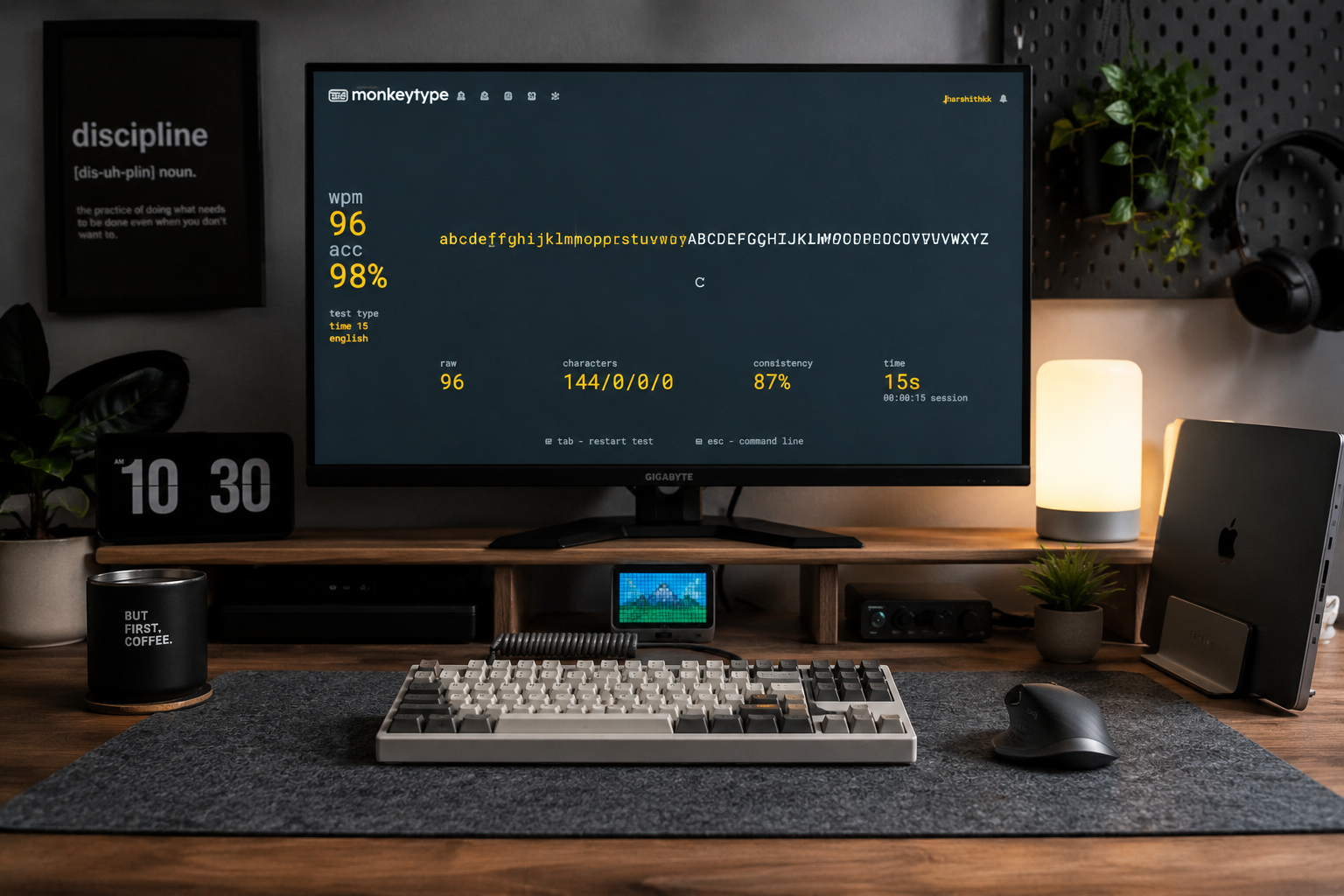
Alphabet Typing Test – Improve WPM, Accuracy, and Keyboard Control
Stop guessing where the letters are. Discover how simple A-to-Z alphabet drills can help you 'ingrain' the keyboard layout into your mind, fixing the common mistakes that keep your WPM stuck.
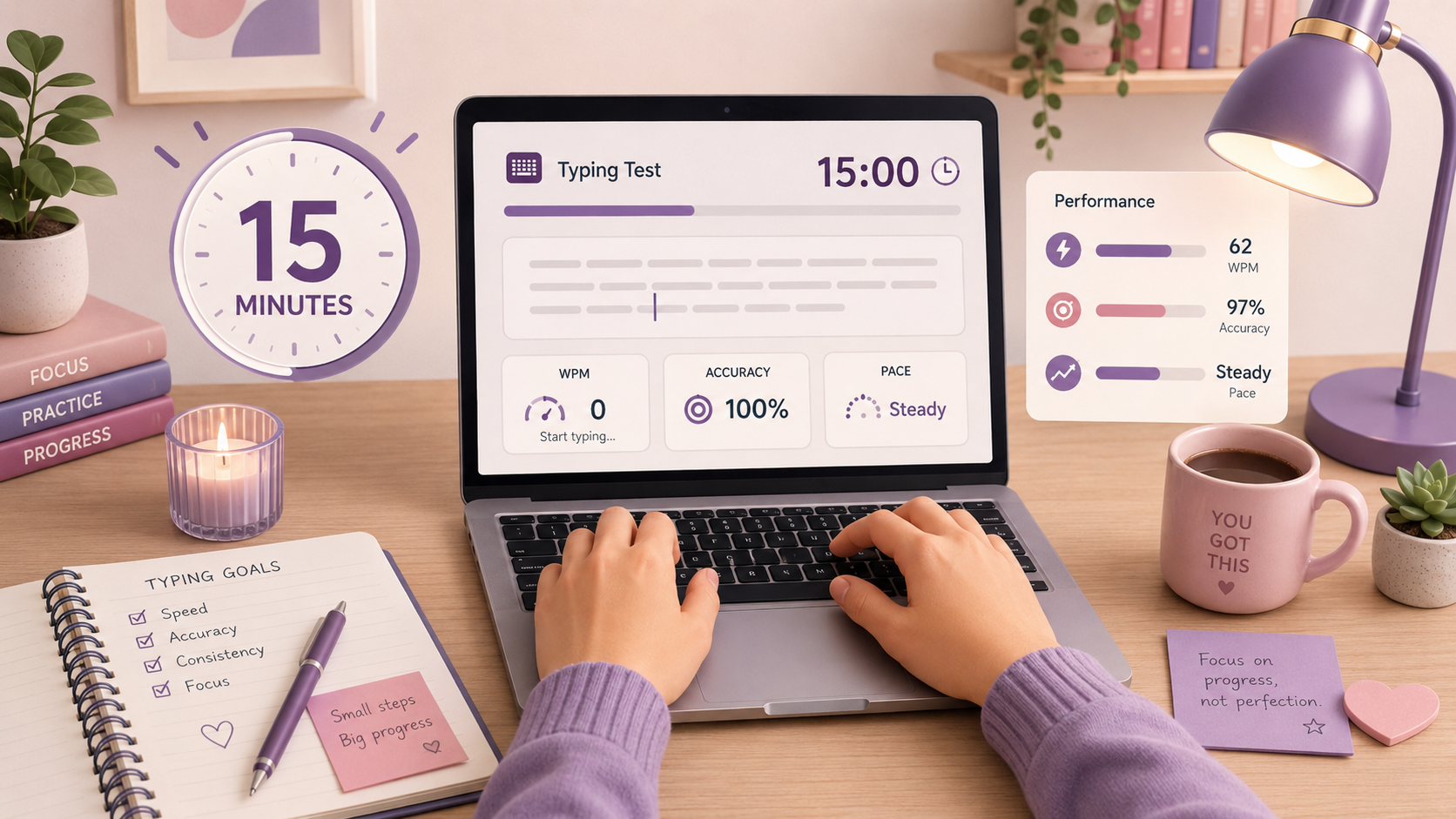
15 Minute Typing Test: Build Full Endurance & Focus | Typers World
Can you maintain your focus for a full quarter of an hour? The 15-minute typing test is the ultimate challenge for professional endurance. Learn how to manage finger fatigue, stay consistent, and reach the high standards required for legal and medical transcription careers.
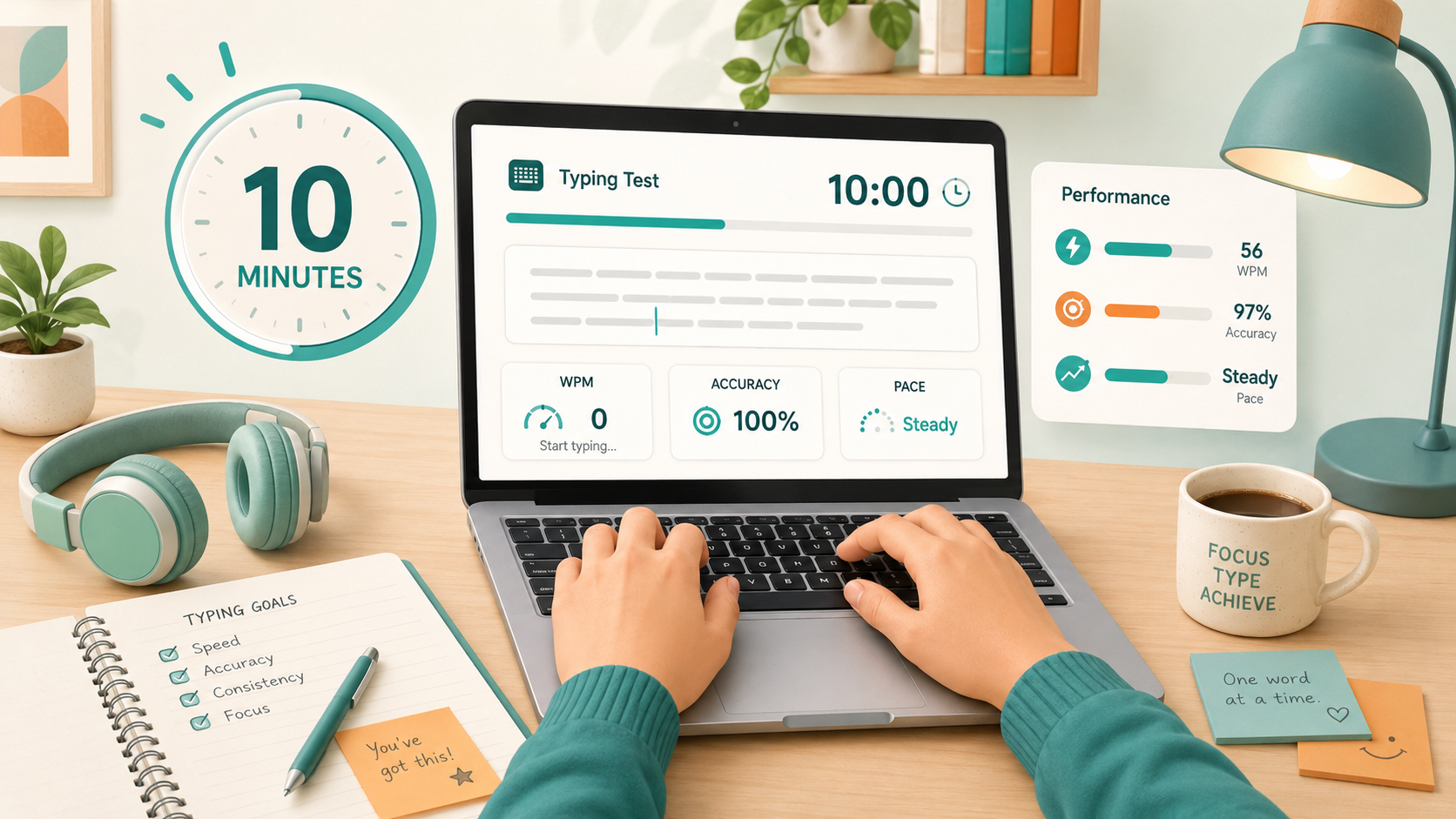
10 Minute Typing Test: Build Your Professional Stamina | Typers World
Can you keep your focus for 600 seconds? The 10-minute typing test is the gold standard for writers, developers, and transcriptionists. Discover how to build professional-grade stamina, avoid the mid-session slump, and prove you have what it takes for high-volume roles.