3 Minute Typing Test: Master Your Pacing & Consistency | Typers World
A **3 minute typing test ** measures your typing speed and accuracy over 3 minutes.
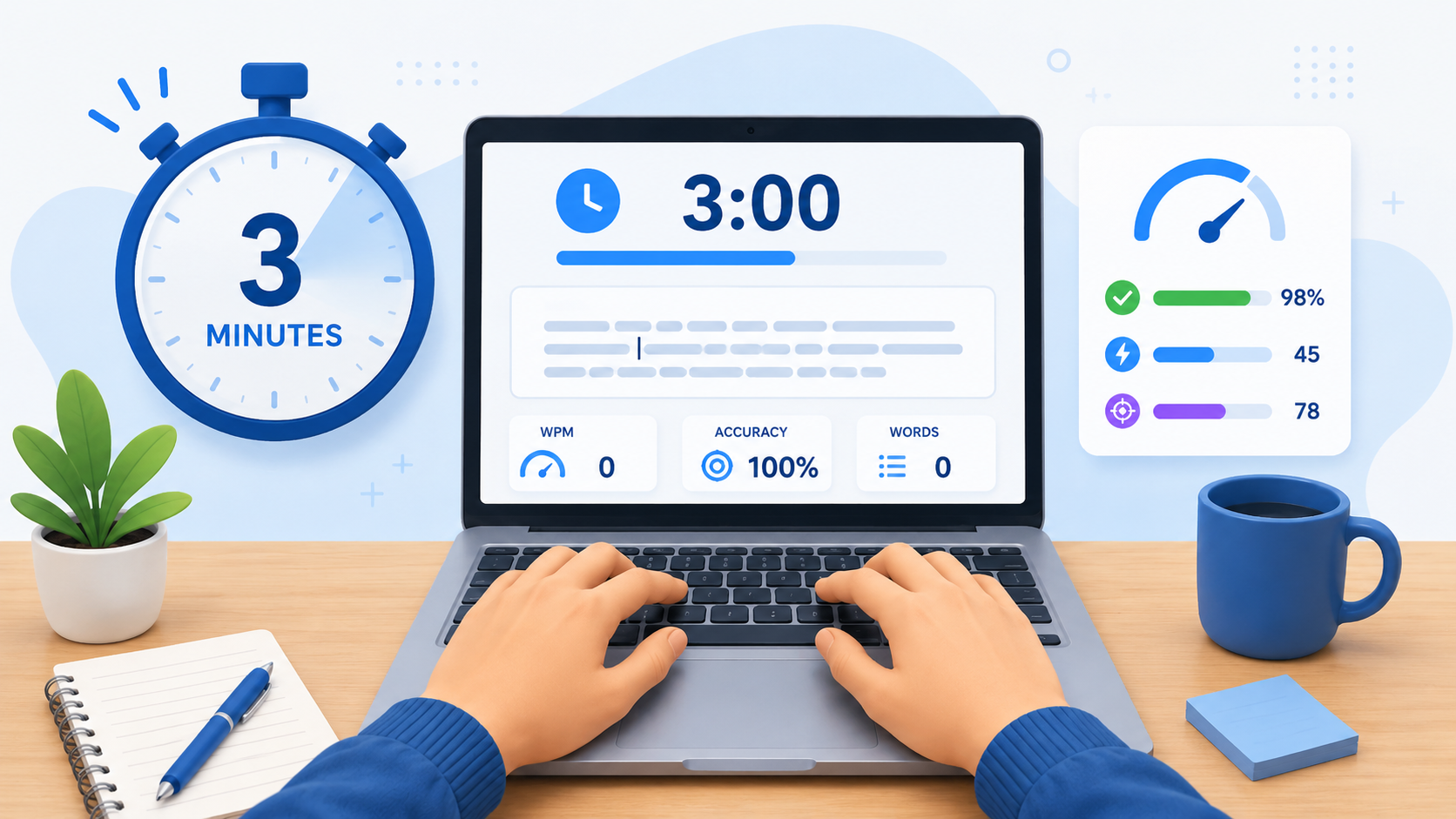
It is not just another timer length. Each duration reveals a different part of your typing skill. For a shorter accuracy check, try our 2 minute typing test first.
TL;DR: Use this test to measure pacing, consistency, and longer sustained accuracy. Do not judge the score by WPM alone. Net WPM, accuracy, and consistency matter more than one lucky high number.
What This Format Measures
The 3 minutes format measures:
| Metric | Why It Matters |
|---|---|
| Gross WPM | Shows raw typing pace before mistakes |
| Net WPM | Shows useful speed after error penalties |
| Accuracy | Shows whether your speed is clean |
| Pacing | Shows whether you can keep rhythm for 3 minutes |
| Mistake pattern | Shows which keys or words need practice |
Net WPM is the score to trust. Gross WPM can look impressive while accuracy is poor. Clean typing is the real benchmark. Understanding the standard WPM calculation ensures you compare scores fairly across platforms.
Why Use This Duration?
This test exposes pacing problems that a 1-minute test can hide. According to TypingTest.now, the 3-minute duration is where many typists first notice significant drops in speed if their technique or posture is flawed.
Use it when you want a stronger sustained-accuracy benchmark. It is also ideal before attempting our 5 minute typing test or longer endurance tests.
Aalto University’s large typing study found that most users type around 30–60 WPM, average users typed 52 WPM, and the fastest users reached over 120 WPM in a controlled test.
How Scores Change by Test Length
Short tests usually produce higher WPM because fatigue has less time to appear. Longer tests reveal pacing, posture, and accuracy weaknesses. Global typing speed data shows average adults type around 40 WPM, but consistency over 3 minutes separates casual typists from professionals.
| Duration | Main Use | Typical WPM Pattern |
|---|---|---|
| 15 seconds | Burst speed | Often higher than baseline |
| 30 seconds | Quick speed check | Slightly higher than baseline |
| 1 minute | Standard benchmark | Baseline |
| 2–3 minutes | Sustained accuracy | Slightly lower than 1 minute |
| 5 minutes | Endurance start | Lower if posture or pacing is weak |
| 10–15 minutes | Long-form endurance | Lowest but most realistic for long work |
Your score should not be identical across every duration. A small drop is normal. A large drop means your technique needs work.
What Is a Good Score?
Use this practical benchmark based on 2026 professional standards:
| Net WPM | Level |
|---|---|
| Below 30 | Beginner |
| 30–45 | Developing |
| 45–60 | Solid everyday typing |
| 60–75 | Good professional speed |
| 75–90 | Fast |
| 90–110 | Very fast |
| 110+ | Advanced / elite |
For this test, the best target is high accuracy with stable pace. A 3-minute score shows whether your technique remains stable after the easy first minute.
Best Pacing Strategy
Treat the first minute as setup, the second as rhythm, and the third as controlled finish. The NIOSH ergonomics guidelines recommend keeping elbows at 90 degrees and taking micro-breaks to maintain consistent performance.
Use this simple rule:
| Stage | Strategy |
|---|---|
| Start | Prioritize rhythm, not panic speed |
| Middle | Keep eyes on the text and avoid unnecessary corrections |
| End | Speed up only if accuracy is still stable |
If your score drops sharply near the end, you are starting too fast.
How to Improve at This Duration
- Take fewer tests, but review them properly. Repeating tests without review only repeats mistakes.
- Drill weak keys for 5 minutes. Focus on the letters, numbers, or punctuation that caused errors.
- Practice paragraphs. Paragraphs improve real sentence flow, not just short-word speed. Our quotes typing practice offers engaging paragraph content.
- Keep accuracy above 95%. Aalto’s research notes that errors are costly to correct, so slowing down can make you faster in the long run. See proven accuracy methods.
- Use posture correctly. Mayo Clinic recommends keeping wrists and forearms in line and the keyboard in front of you.
Common Mistakes
| Mistake | Fix |
|---|---|
| Chasing gross WPM | Track net WPM and accuracy |
| Starting too fast | Start controlled and build pace |
| Looking at the keyboard | Use the F and J bumps to reset |
| Practicing only easy text | Mix easy, standard, and harder passages |
| Ignoring posture | Keep wrists neutral and shoulders relaxed |
| Taking too many tests | Review mistakes between attempts |
Related Tests
- 15 seconds typing test
- 30 seconds typing test
- 1 minute typing test
- 2 minute typing test
- 3 minute typing test
- 5 minute typing test
- 10 minute typing test
- 15 minute typing test
Straight Answers
What does the 3 minute typing test measure?
It measures WPM, accuracy, pacing, and how well your typing holds for 3 minutes.
Is this duration better than a 1-minute test?
It depends on the goal. Shorter tests are better for quick benchmarks. This duration is better when you want to measure pacing, consistency, and longer sustained accuracy.
What score should I aim for?
Aim for 60+ net WPM with 95%+ accuracy for strong everyday typing. Higher scores are good only if accuracy stays clean.
Why is my score lower than short tests?
Short tests allow sprinting. This duration requires more control, so poor pacing and mistakes show up more clearly.
Should I focus on WPM or accuracy?
Focus on accuracy first. Net WPM improves when you make fewer mistakes.
How often should I take this test?
Take 2–4 serious attempts in a session. Review errors between attempts instead of spamming tests.
Can this test help with job preparation?
Yes. It gives a more practical view of typing ability than a very short sprint. Data entry and administrative roles often test at 3–5 minute durations.
How do I improve fastest?
Drill your weakest keys, practice paragraphs, and keep accuracy above 95% before pushing speed.