Alphabet Typing Test – Improve WPM, Accuracy, and Keyboard Control
Alphabet Typing Test helps you improve A-to-Z key recall and full-letter coverage.
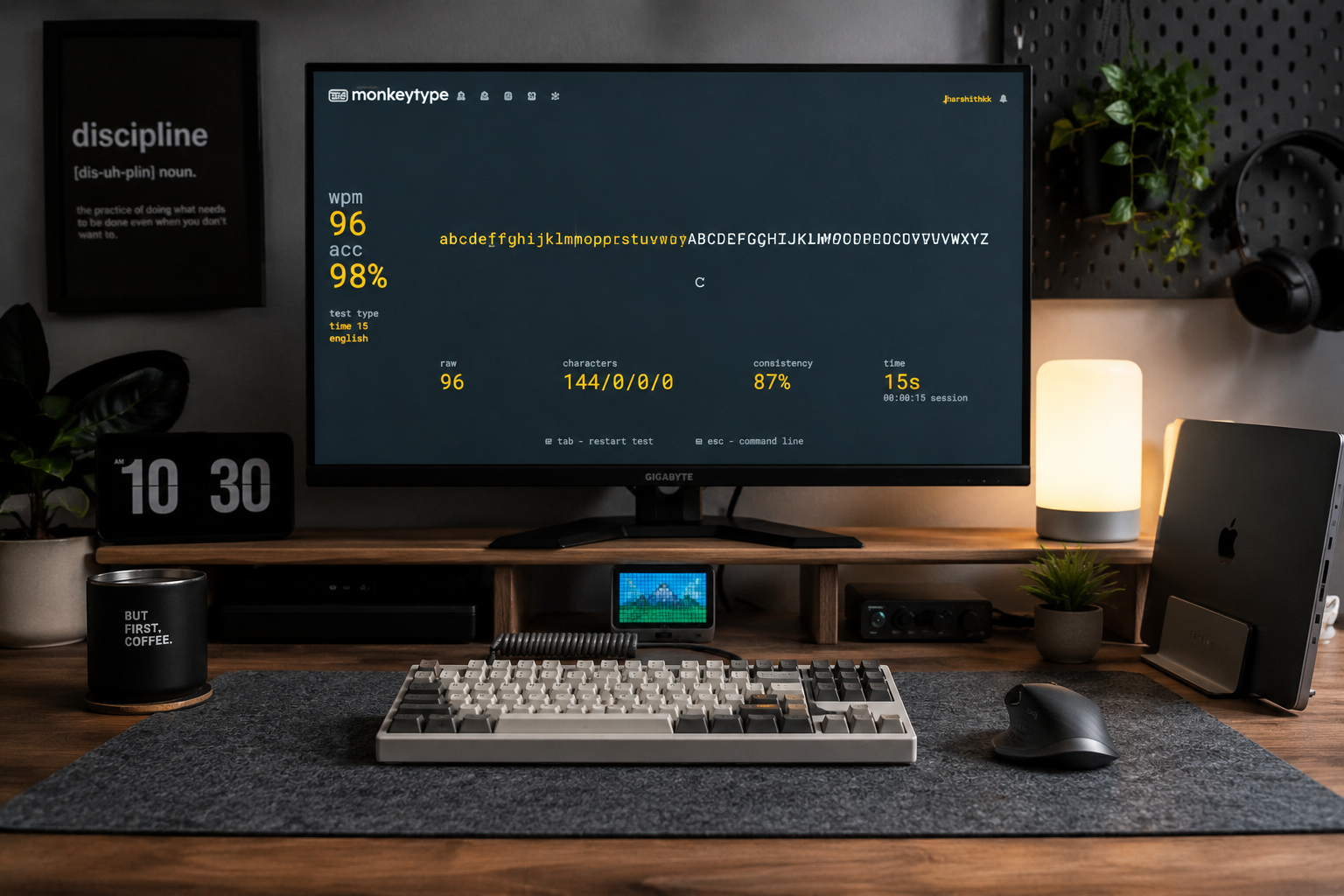
It targets a specific part of typing that normal one-size-fits-all tests often miss. If you are just starting out, our typing practice for beginners may be a better first step.
Why This Practice Matters
General typing tests are useful, but they can hide weak spots. You may type normal English well and still struggle with numbers, symbols, accents, code, long passages, or specific keyboard rows. Aalto University’s large typing study found that faster typists generally make fewer errors, and that errors are costly to correct. That supports a simple rule: clean technique creates usable speed.
Understanding the full alphabet layout is also essential before tackling specialized formats like our coding typing test or Spanish typing test, where every key matters.
A Story from My YouTube Channel
I used to upload typing videos on YouTube, and to be honest, I was struggling with a lot of mistakes. My speed was okay, but the errors were holding me back and making my videos look unprofessional. One of my viewers left a comment that changed my entire approach:
"Slow start but you can do it!! personally trying to type the alphabet again and again helped me with having the keyboard ingrained in my head so that might be worth a shot."
I decided to take that advice and started practicing the alphabet over and over. It worked! It helped "ingrain" the keyboard layout in my mind so I didn't have to guess where the letters were anymore. That is exactly why I created this specific practice page—to help you fix those same mistakes and build real confidence.
What This Test Measures
This page measures A-to-Z key recall and full-letter coverage. It is useful because normal English typing tests do not always show this skill clearly.
Practice Examples
abcdefghijklmnopqrstuvwxyzABCDEFGHIJKLMNOPQRSYUVWXYZ
Use these examples as patterns, then rotate fresh text so users do not simply memorize one passage.
Who Should Use This Page?
| User Type | Benefit |
|---|---|
| Beginner | Builds confidence and correct habits |
| Intermediate typist | Finds weak areas that hold back WPM |
| Advanced typist | Improves precision and adaptability |
| Student | Builds practical keyboard fluency |
| Professional | Trains real work patterns, not only easy prose |
How to Use This Practice Effectively
- Start slower than your maximum speed.
- Keep accuracy above 95% where possible.
- Notice repeated mistake patterns.
- Drill the weak keys or symbols separately.
- Finish with a normal paragraph or timed test.
- Track weekly average, not one lucky score.
If your hands or shoulders tense up, pause. Mayo Clinic recommends keeping wrists and forearms in line and keeping the keyboard in front of you during computer work.
Benchmarks
| Result | Meaning |
|---|---|
| High WPM + high accuracy | Strong result |
| High WPM + low accuracy | You are rushing |
| Low WPM + high accuracy | Good foundation; build speed gradually |
| Low WPM + low accuracy | Slow down and fix technique |
| Big gap from normal English WPM | This topic needs targeted practice |
Do not compare every test type equally. Code, numbers, symbols, accents, and long text naturally produce different WPM from simple English prose. For accurate comparisons, use the standard WPM calculation across all tests.
Common Mistakes
| Mistake | Better Approach |
|---|---|
| Chasing WPM too early | Build 95%+ accuracy first |
| Repeating one memorized text | Rotate fresh content |
| Ignoring weak keys | Drill the exact mistakes |
| Looking at the keyboard | Use touch typing habits |
| Practicing too long with tension | Use short focused sessions |
| Comparing different test types | Compare similar content only |
Related Practice
- Typing speed test
- One minute typing test
- Typing lessons
- Typing practice for beginners
- How to improve typing accuracy and speed
Straight Answers
What is alphabet typing test?
It is a focused typing page for improving A-to-Z key recall and full-letter coverage.
Who should use this practice?
Use it if this specific skill is weaker than your normal English typing score.
Will this improve my overall WPM?
Yes, if this topic is currently a weakness. Targeted practice removes bottlenecks that generic tests miss. Research on touch typing vs hunt-and-peck shows that proper finger coverage significantly improves overall speed.
What accuracy should I aim for?
Aim for 95%+ in practice. If you are below 90%, slow down.
How long should I practice this daily?
Practice 10–15 minutes, then switch to paragraph typing or a timed benchmark.
Why is my score lower here than on a normal typing test?
This format has different difficulty. It may include harder keys, symbols, numbers, accents, or less familiar patterns.
Should beginners use this page?
Yes, but beginners should move slowly and focus on correct finger placement first. Our touch typing practice is specifically designed for building those fundamentals.
What should I do after this practice?
Take a normal 1-minute or 2-minute test to see whether the skill transfers into real typing.