I spent $300 on a keyboard and my WPM went down. Lubed switches, brass plate, the works. Instead of unlocking typing speed, I spent three weeks relearning key spacing. Dropped from 112 WPM to 94. The board wasn't the problem. I expected hardware to replace habit. That's not how how to increase your typing skills works.
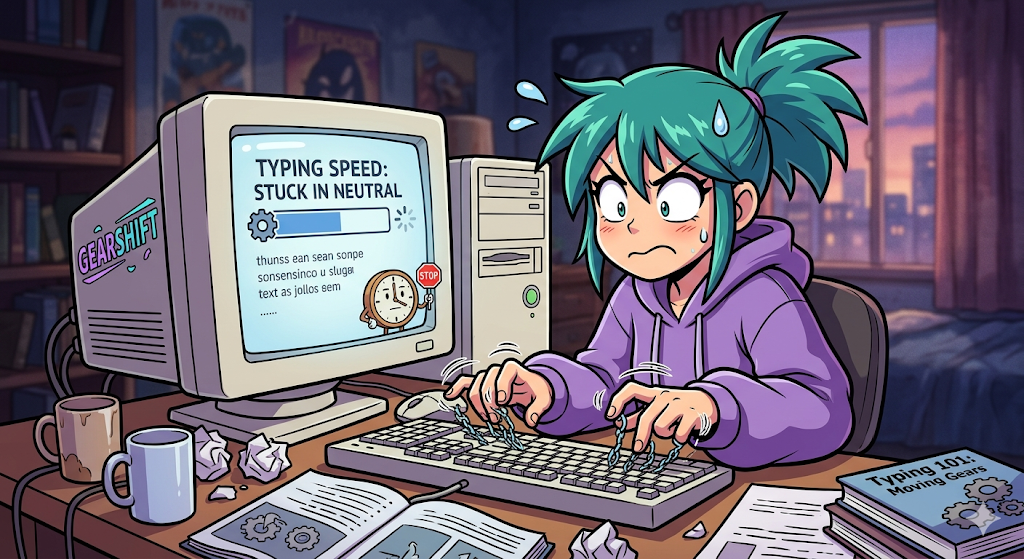
If you're stuck at 40–50 WPM or plateaued at 80 and can't figure out how to type faster, the fix isn't gear. It's three boring habits most people skip because racing is more fun than drills. If you haven't checked your proper typing posture yet, start there — bad ergonomics cap your speed before your fingers even get involved. Harvard's RSI Action program has been warning typists about this for decades: your setup matters as much as your practice.
TL;DR: Accuracy first. Finger technique second. Everything else — including your keyboard — is a distant third.
Your "High Typing Speed" Might Be a Lie
There's a lie people tell themselves in ranked races. They see a big WPM number, ignore the accuracy percentage, and call it a good run. Someone claiming 120 WPM with 82% accuracy is just doing fast finger typing — moving fast and wrong. Real speed is clean speed.
I have a personal metric I call "honest WPM." Subtract your accuracy from your raw score. 120 WPM at 95% accuracy? That's 25 dishonest WPM.
The average typing speed across adults is about 44 WPM. At 60 WPM with clean accuracy typing, you're already faster than 82% of people. Research published in the NIH's peer-reviewed study on typing expertise found that even among university students — people who type daily — the overall mean was just 52 WPM. The people climbing leaderboards aren't just moving their fingers faster. They're making fewer mistakes.
I once hit 112 WPM and felt unstoppable. Checked my accuracy: 87%. Forced myself back to 95 WPM for two weeks to rebuild clean muscle memory. Humbling. Also the only reason I eventually cracked 120. (The 147 came later. At 3am. Still have the screenshot.)
This is exactly why improving your typing accuracy and speed together matters more than chasing either one alone.
The Wall Is Real, and It's Technique
Most people hit a plateau around 80–100 WPM. Not because they need a new keyboard. Not because they haven't practiced enough. Because their finger technique breaks down and they don't know what to fix.
Nine times out of ten, here's what happens. You're moving your whole hand instead of individual fingers. Your pinkies are decorative. You hesitate on words you type daily — "because," "something," "through" — because your fingers never learned the pattern. Your brain knows the word. Your hands are still negotiating.
If you want to increase typing speed, you need to learn how to type with all fingers properly first. That means individual finger isolation, not whole-hand swipes. It means using your pinkies for more than just the 'A' key. It means drilling common word patterns until they become automatic.
Back when I was grinding for my PB, I had a session where I hit 112 WPM and felt unstoppable. Then I checked my accuracy: 87%. I had to force myself to slow down to 95 WPM for two full weeks just to rebuild clean muscle memory. It was humbling. It was also the reason I eventually cracked 120.
Our data from Typers World makes this clear. Users who did 15 minutes of daily targeted weak-key keyboard practice improved by +8.3 WPM over four weeks. Users who just raced for an hour daily with no deliberate practice? +4.2 WPM. The boring drills nearly doubled the improvement.
| Practice Method | Avg Improvement (4 weeks) |
|---|---|
| 15 min daily, targeted weak keys | +8.3 WPM |
| 30 min daily, mixed practice | +11.7 WPM |
| 1 hour+ daily, racing only | +4.2 WPM |
| Sporadic practice (2–3x/week) | +3.5 WPM |
Your Keyboard Is Not the Bottleneck
I need to say this directly because someone reading this is currently browsing mechanical keyboard listings instead of practicing. Your keyboard typing setup is almost certainly fine. A good typist on a $20 membrane board will destroy a bad typist on a $400 custom build. Hardware matters less than repetition — up to a point.
I got an email from a user who dropped $400 on a custom build. Lubed switches, premium keycaps, brass plate. Their WPM went from 58 to 61. I asked how much they practiced. "Mostly just racing on weekends." Asked if they did any deliberate practice on weak keys. "What's deliberate practice?"
The keyboard wasn't the problem. The problem was expecting hardware to replace habit.
That said, if you're still on a laptop keyboard and you're serious about how to increase typing speed in computer use, a $60–$90 entry-level mechanical keyboard is a worthwhile upgrade. Not because it'll magically add 20 WPM. Because consistent switch feel and proper key spacing make it easier to build clean muscle memory. Buy cheap first. Figure out what you like before you drop half a rent payment.
What the Data Says About Practice
We've tracked nearly five million tests on Typers World. The numbers don't lie about what works for high typing speed.
Users who practice 15 minutes daily with targeted weak-key work see +8.3 WPM in a month. Users who race for an hour daily with no deliberate practice see +4.2 WPM. Users who practice sporadically — a few times a week when they remember — see +3.5 WPM.
The pattern is brutal and simple. Consistent, focused keyboard practice beats mindless volume. Every time.
If you're a developer, there's another layer. Numbers and symbols are where typists go to die. Everyone focuses on letters. Then they hit a coding test and realise they've never properly practiced brackets, semicolons, or camelCase. I spent six months grinding english typing races, hit 115 WPM, felt unstoppable. Tried the JavaScript coding test. 67 WPM. 89% accuracy.
Code typing is a different skill. Practice it separately.
One more thing about fast typing practice — most people practice at their comfortable speed and wonder why they never improve. If you want fast typing results, you need to push 5–10 WPM above your comfort zone during drills. Not so fast that accuracy collapses, but fast enough that your fingers feel stretched. That's where the growth happens.
When Good Enough Is Good Enough
Rule of thumb: if you're consistently hitting 100+ WPM with 97%+ accuracy, you're in the top 6%. The time you'd spend grinding from 100 to 120 WPM might be better spent on literally anything else.
Maintain your speed. Practice enough to not lose it. Then go do something with the time you've saved. There's no prize for being the fastest person in your Discord server at typing messages. (Unless your server is extremely competitive. In which case, carry on.)
For everyone else — the ones at 40 WPM, 60 WPM, 80 WPM staring at the wall — the fix is within reach. It's just work that most people skip because it isn't as fun as racing.
Do the boring drills. Fix your finger placement. Stop chasing raw WPM and start chasing clean, repeatable accuracy typing. The speed comes after. It always does.
The Real Talk
I built Typers World because I got tired of typing sites that looked like they were designed in 2003 by someone who hated joy. Every core test on our platform is free typing — unlimited english typing tests, typing lessons, multiplayer races, coding tests in 15+ languages, and leaderboards that reset monthly so new players have a shot.
If you're stuck in neutral, the fix isn't a secret. It's just work that most people skip because it's less fun than racing. Do the boring drills. Fix your finger placement. Stop chasing raw WPM and start chasing clean, repeatable accuracy. The speed comes after. It always does.
Whether you use Typers World, typing master pro, or any other platform, the fundamentals are identical. Posture first. Accuracy second. Technique third. Everything else is a distraction. If you want to test how fast you type and actually move the needle, check your proper typing posture and your accuracy habits before you blame your keyboard.
Now close this tab and hit a game for increasing typing speed. Your average words per minute typing isn't going to improve itself.
Straight Answers
How long does it actually take to increase typing speed?
It depends on where you start and how you practice. If you're doing 15 minutes of targeted daily drills, you can see measurable improvement in two to four weeks. Muscle memory responds to consistency, not intensity. Our data shows sporadic practicers gain +3.5 WPM per month, while daily drillers hit +8.3 WPM or more. For typing practice for beginners, our free typing lessons take you from hunt-and-peck to consistent touch typing in about 10–15 hours.
Should I focus on accuracy or speed first?
Accuracy. Always. Chasing high typing speed with shaky accuracy is like speedrunning a game you haven't finished — you're building bad habits that take longer to unlearn than starting slow. True master typing happens when you slow down enough to be correct. If you're below 95% accuracy, you have no business chasing a higher WPM yet. Focus on accuracy typing first, speed second.
Is there an average typing speed I should be hitting?
The average typing speed for adults is about 40 WPM. At 60 WPM, you're faster than 82% of adults. At 80 WPM, you're in the top 12%. Pushing 100+ WPM puts you in the top 6%. Past that, you're in competitive territory. Most professionals never need more than 60–80 WPM for daily work. Anything beyond that is for competition or personal satisfaction. Both are valid. Wonderlic's breakdown by profession shows administrative roles typically want 50–70 WPM, while data entry targets 80–100 WPM.
What's the fastest way to improve?
Run an alphabet typing test to find your weak keys. Drill those keys for 15 minutes daily. Don't race for a week. Focus purely on accuracy. Then gradually reintroduce speed. It's boring. It works better than any keyboard upgrade. If you want to learn how to type with all fingers properly from scratch, start with structured typing lessons before you touch ranked races.
Related Articles
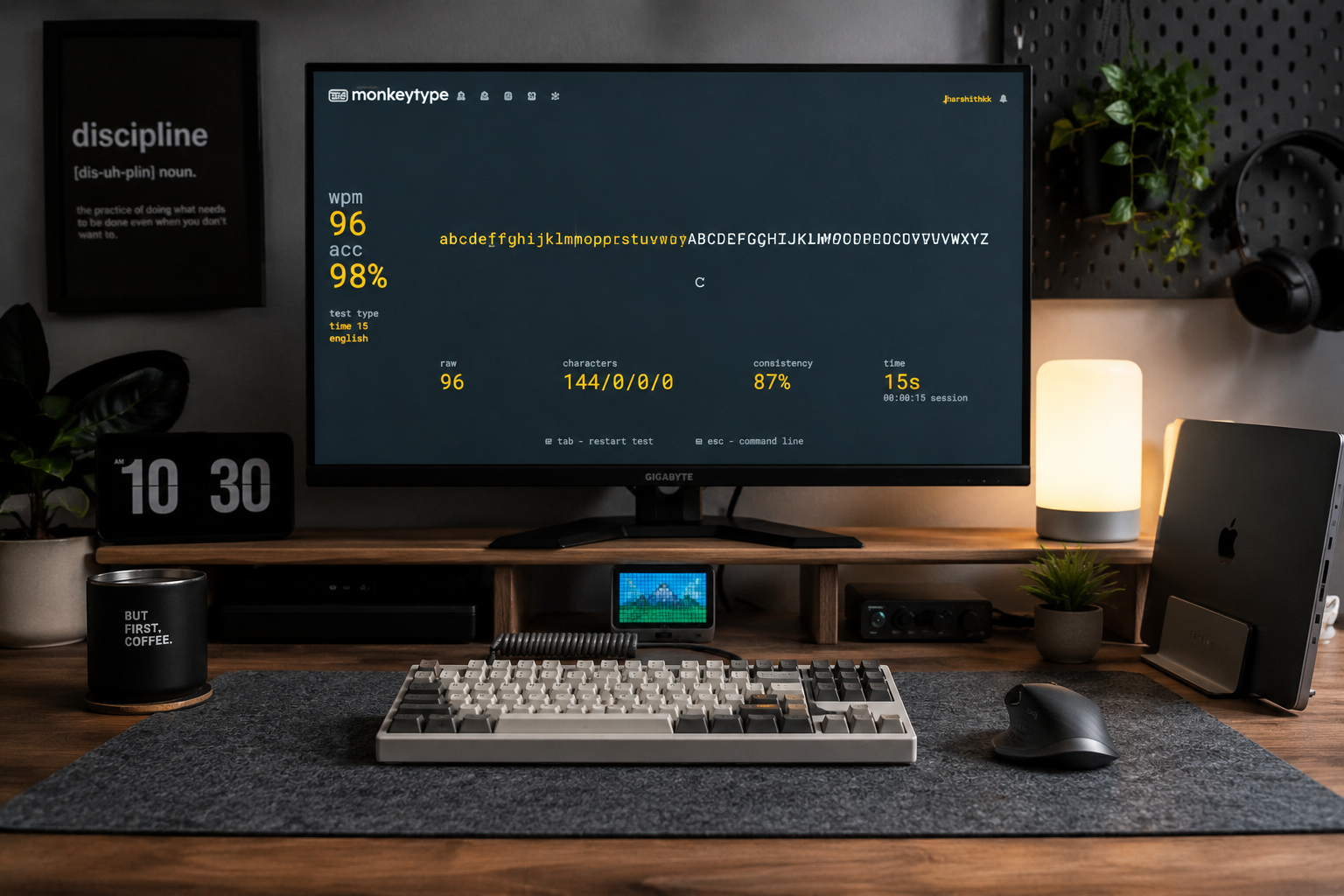
Alphabet Typing Test – Improve WPM, Accuracy, and Keyboard Control
Stop guessing where the letters are. Discover how simple A-to-Z alphabet drills can help you 'ingrain' the keyboard layout into your mind, fixing the common mistakes that keep your WPM stuck.
15 Minute Typing Test: Build Full Endurance & Focus | Typers World
Can you maintain your focus for a full quarter of an hour? The 15-minute typing test is the ultimate challenge for professional endurance. Learn how to manage finger fatigue, stay consistent, and reach the high standards required for legal and medical transcription careers.
10 Minute Typing Test: Build Your Professional Stamina | Typers World
Can you keep your focus for 600 seconds? The 10-minute typing test is the gold standard for writers, developers, and transcriptionists. Discover how to build professional-grade stamina, avoid the mid-session slump, and prove you have what it takes for high-volume roles.